Assignment with a rubric
Define the topic, attach rubric criteria with four-level descriptors, set a max recording length and due date.
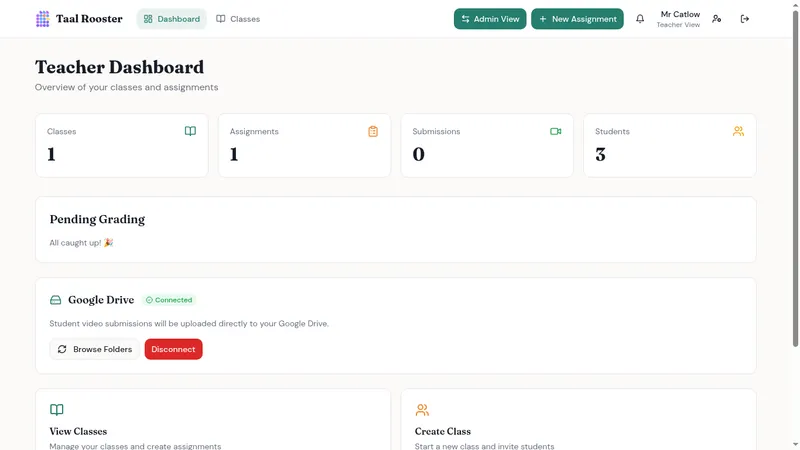
Students record video responses on their own time. Teachers grade with rubrics and timestamped feedback. Every recording stays in your school's own Google Drive or OneDrive - not on our servers.
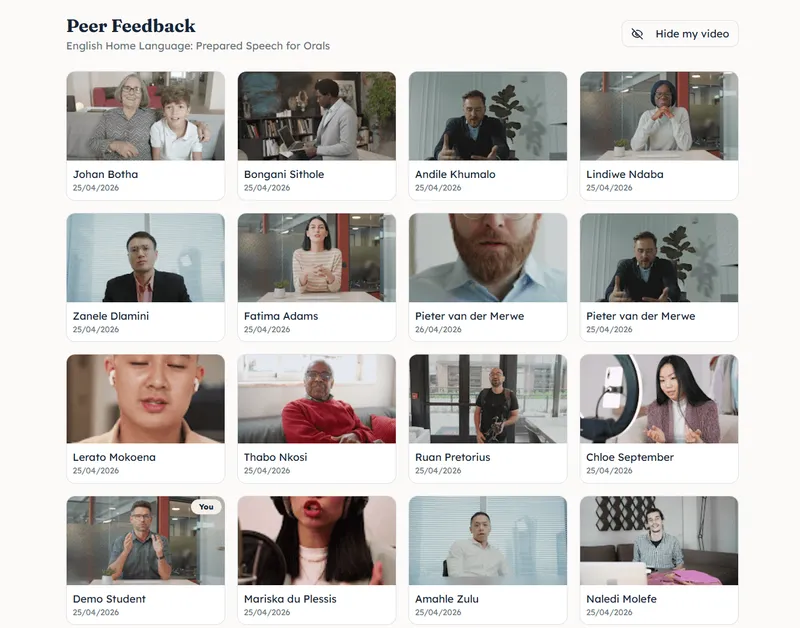
Define the topic, attach rubric criteria with four-level descriptors, set a max recording length and due date.
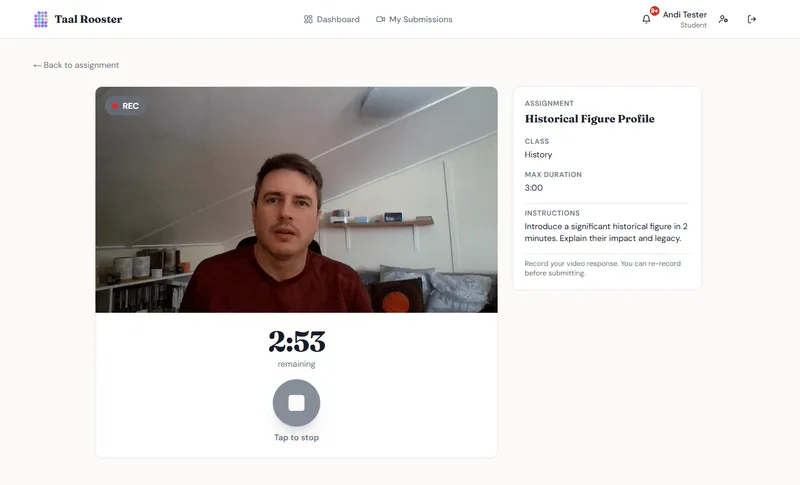
No apps. Students open the assignment in any browser, record, preview, re-record if they want, then submit.
Click a point on the timeline to leave a comment anchored to that moment - "at 0:42, your verb conjugation…" instead of "work on grammar."
Running a school?
We've put together everything you need - compliance, data ownership, security, and how to get started.
Not a generic video tool repurposed for education.
Recordings upload to the teacher's or school's own Google Drive or OneDrive. The school retains full ownership - no third-party hosting, no extra storage costs, no surprises for IT.
Comments anchor to exact moments in the video. Students see precisely what you're referring to, instead of vague end-of-recording notes.
Assign moderators with structured checklists. Recommended grades are visible to you but stay private from the student - a second perspective without extra grading load.
"Grade with context, not memory. At 1:15, listen to how you said this - the difference between 'work on pronunciation' and an actual pointer."
- the shift Taal Rooster was built for
Start with a 14-day free trial - no credit card required.
Individual
For a single teacher. Up to 5 active classes.
Billed monthly
School
For departments and whole schools. Unlimited teachers, centralised admin, shared templates.
Billed monthly
Everything in Individual, plus
Teachers need a Google account to connect Google Drive, or a Microsoft account for OneDrive. Students do not - their recordings upload directly to the teacher's Drive.
Videos live in the teacher's own Google Drive or OneDrive, not on third-party servers. We collect minimal personal data, support parental consent workflows for minors, and comply with POPIA and GDPR. Students can request data export or deletion at any time.
Yes. Any subject that benefits from video - presentations, drama, science explanations, music performances - works the same way.
Create a class and share the join code. Students sign up, enter the code, and they're in. No IT department needed.
Only if you enable peer feedback for that assignment. When enabled, students watch classmates' submissions and leave comments - all moderated by you.
Your assignments, submissions, and feedback stay exactly where they are. You won't be able to create new assignments until you subscribe. Videos remain in your Google Drive or OneDrive regardless.
Pick a look for the whole app. Try them now - the page will change to match.
Free 14-day trial. No credit card required.